2 templates
AI Dance Videos: Pick a Template, Add One Photo, Generate
Dance trends are the fastest-moving part of short video, and filming them is the slowest. These templates keep the choreography and timing of the original and let one photo take the lead.
Start with a template
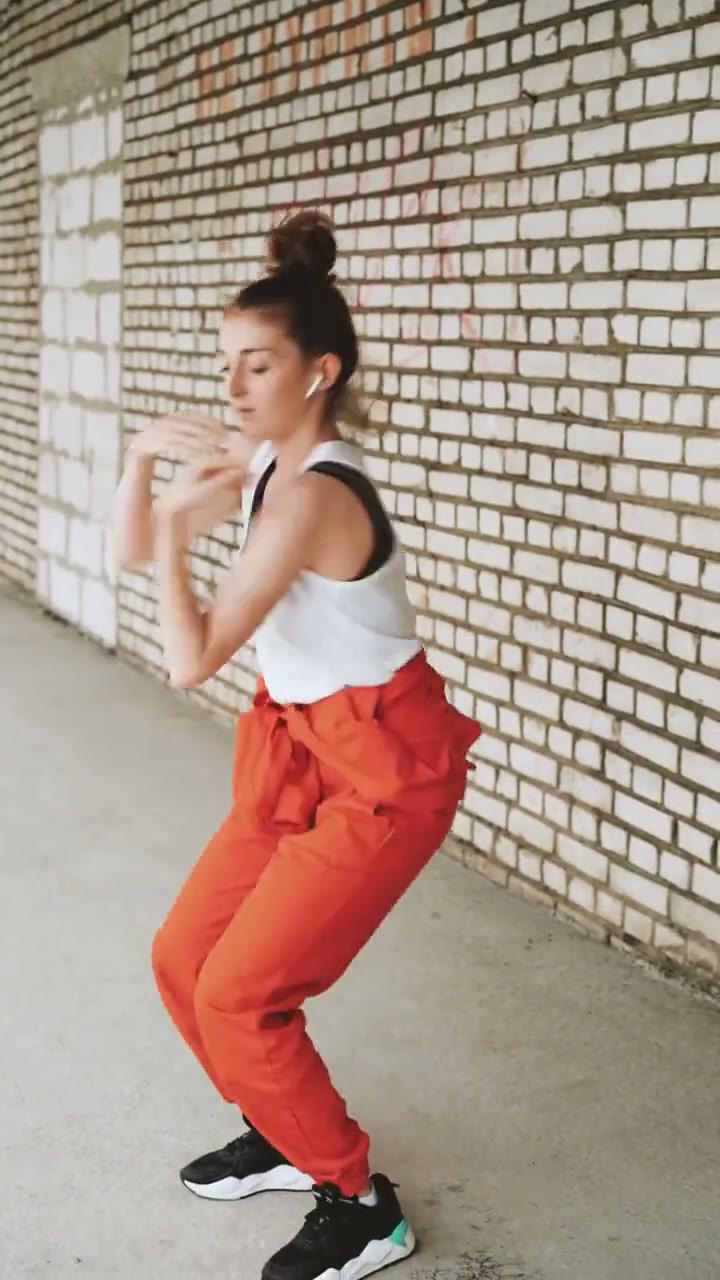
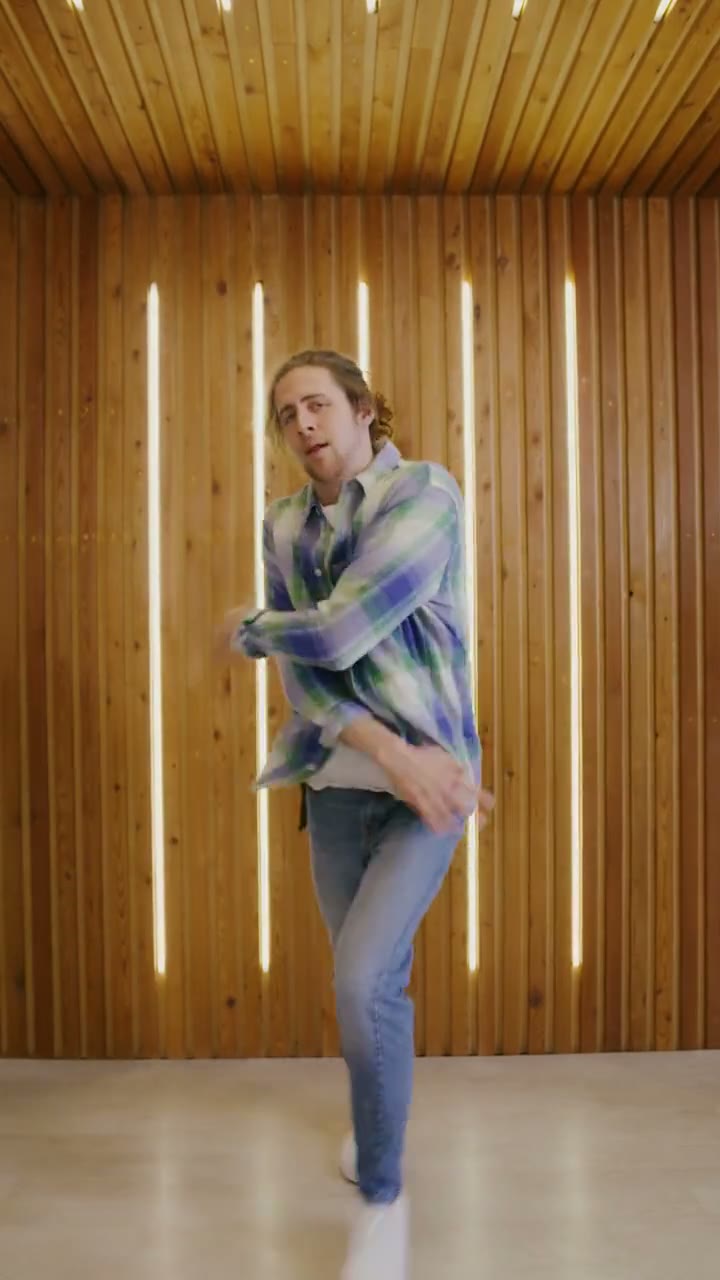
Dance templates you can use today
The dance category currently includes the babydoll dance and the bby wow guy reaction. One is a soft, slow routine with a steady camera; the other is a close-up comic reaction with a hand gesture.
Both use one photo of one adult, both export a vertical MP4 and both keep the timing of the reference clip. Neither asks you to learn the moves or film yourself, and both work from a phone photo.
Which dance template should you pick?
Choose the babydoll dance if you want a calm, dreamy clip with a steady camera and a slow sway. Choose the bby wow guy template if you want a short, punchy reaction that reads without sound.
If you are unsure, start with the shorter length. It renders faster, costs fewer credits and shows how your photo behaves before you commit to the full routine.
Photos that work for dance templates
Use a sharp, front-facing portrait with the head and shoulders visible and even light on the face. Avoid sunglasses, masks, heavy filters and photos with more than one person.
A plain background helps the model separate you from the scene. If your only option is a group photo, crop it to one adult before uploading; a second face usually pulls the motion in two directions.
Lengths, credits and render time
Every template in this category uses the same lengths: 6 seconds for 6 credits, 12 seconds for 12 credits, 15 seconds for 15 credits. One credit always equals one second of video, and failed renders are refunded automatically.
A render usually takes a few minutes. You can close the page while it works; the finished clip is waiting in My videos. The shortest cut is the cheapest way to test whether a photo suits the routine.
How the motion transfer works
A dance template is not a filter. It carries a reference clip with timing, camera distance and body movement, then maps your face onto the performer while keeping the routine intact.
That is why the output follows the beat instead of producing a generic animation. It is also why the photo matters more than the length: a clear face gives the model a stable anchor for every frame.
What is coming next in this category
More dance formats are being tested against search demand. A template only moves from rolling out to live when the reference footage and the page are both ready.
When a new one is added, it appears on this page and in the template center automatically. There is no separate signup or waitlist, and a category stays small until it has at least two templates.
Frequently asked questions
Do I need to know how to dance?
No. The template supplies the choreography and timing. You upload one photo and choose how long the clip should be; there is nothing to rehearse or film.
How many photos does a dance template need?
Every template in this category takes one photo of one adult. Two-person and pet versions are not available here, so crop group photos before uploading.
Can I use a group photo?
Crop it to one person first. A second face gives the model two subjects to track and can make the motion drift, so a solo portrait is the safer input.
How much does a dance video cost?
One credit per second: 6 seconds for 6 credits, 12 seconds for 12 credits, 15 seconds for 15 credits. Packs start at $9.90, pack credits never expire and failed renders are refunded automatically.
Do the templates include music?
No licensed music is supplied. Add a track you have the rights to where you publish, or share the clip silent. The motion is designed to read without audio.
Can I post the result on social media?
Yes. You get a vertical MP4 without a visible watermark. Publish it on accounts you run, and tell viewers the video is AI-generated when you share it.
Sample clips are licensed stock footage that show each template’s motion. They are not AI output and are not affiliated with the people or brands in the original trend videos. Template names are descriptive references only. Use only photos of yourself or adults who gave permission, and say the video is AI when you share it.
Sample clips are licensed stock footage that demonstrate each template’s motion.