2 templates
AI Funny Videos: Turn One Photo Into a Reaction
The funniest clips are usually the simplest: one face, one beat and a reaction that lands without sound. These templates keep the timing of the original and put your photo in the shot.
Start with a template
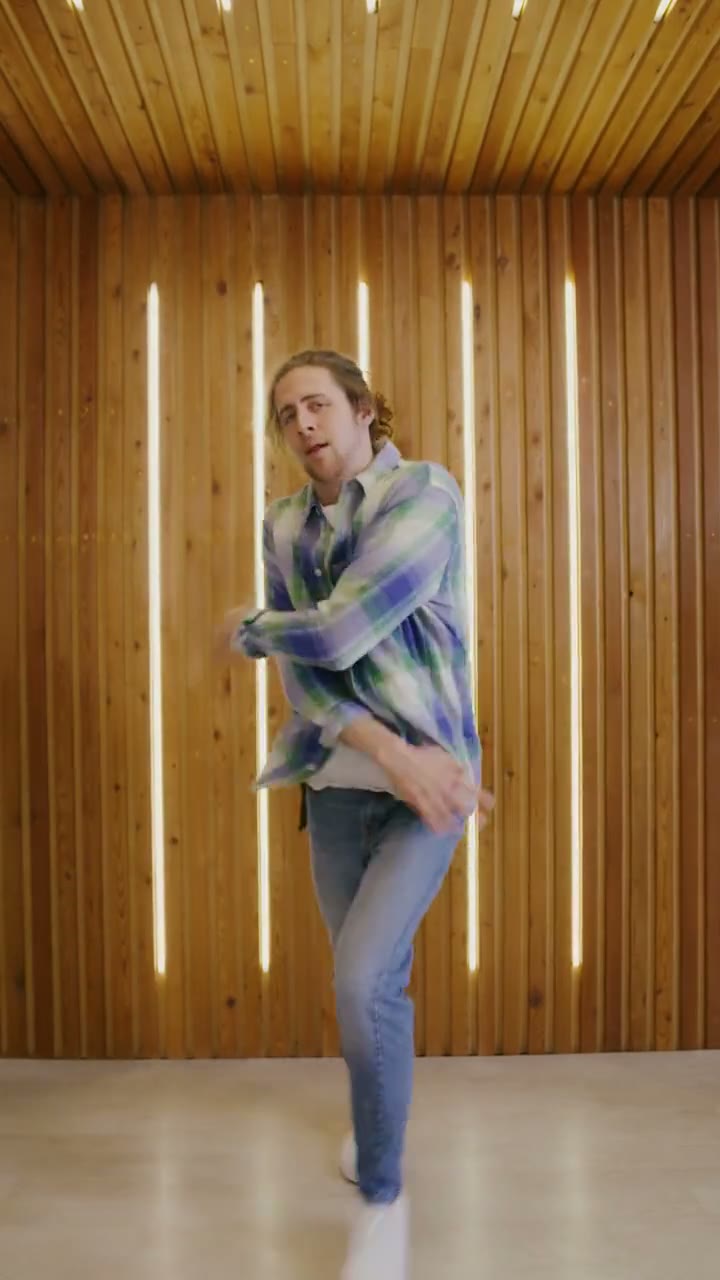
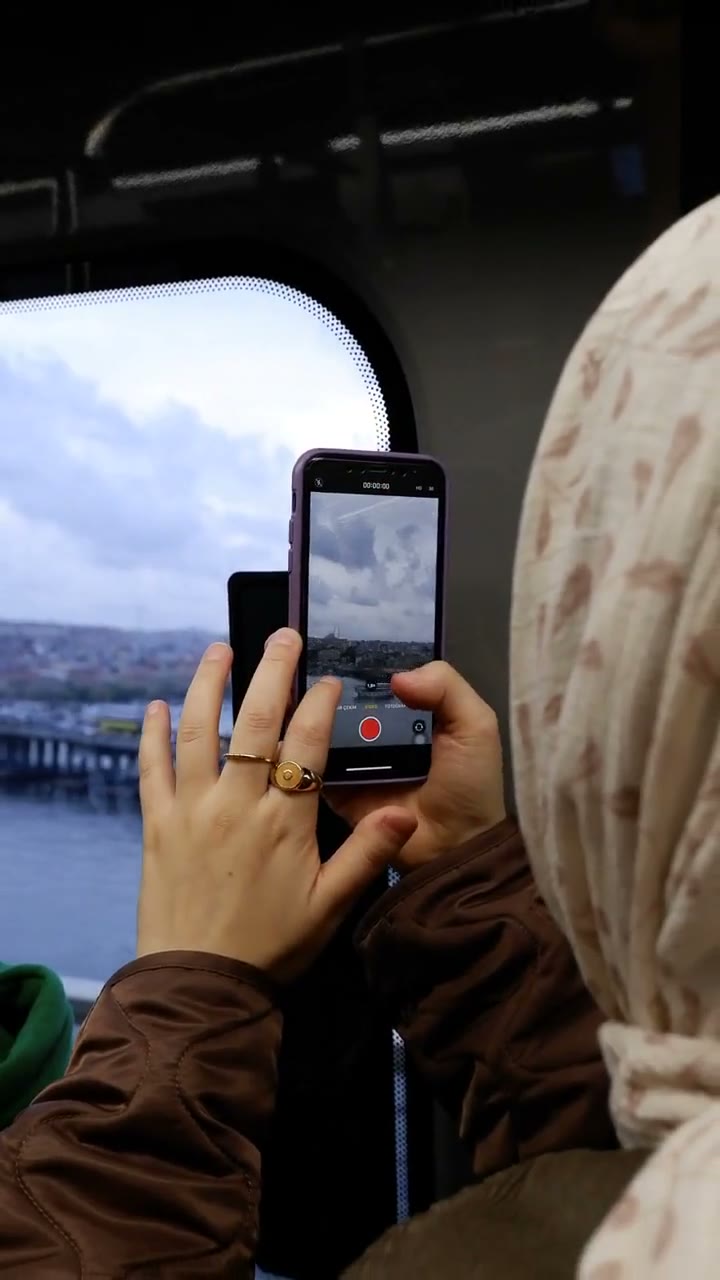
Funny templates you can use today
The funny category currently includes the bby wow guy reaction and the phone on the train clip. One is a close-up comic reaction with a hand gesture; the other is a quieter, awkward glance caught on camera.
Both use one photo of one adult, both export a vertical MP4 and both keep the timing of the reference clip. Neither asks you to film yourself or write a prompt.
Which funny template should you pick?
Choose the bby wow guy template if you want a short, punchy reaction that reads without sound. Choose the phone on the train clip if you want a quieter, more situational moment that still feels like a reaction.
If you are unsure, start with the shorter length. It renders faster and shows how your face handles the expression before you commit to the full clip.
Photos that work for funny templates
Use a sharp, front-facing portrait with the head and shoulders visible and even light on the face. A neutral or slightly amused expression works better than a big pose, because the template supplies the reaction.
Avoid sunglasses, masks, heavy filters and photos with more than one person. A plain background keeps the focus on your face and gives the model less to invent.
Timing, lengths and credits
Every template in this category uses the same lengths: 6 seconds for 6 credits, 12 seconds for 12 credits, 15 seconds for 15 credits. One credit always equals one second of video, and failed renders are refunded automatically.
Comedy depends on timing, so try the short cut first. If the beat lands, the longer version gives the expression more room to breathe; if it does not, you have spent fewer credits finding out.
Why reactions work without sound
A good reaction is readable from the face alone: widened eyes, a pause, a small hand movement. That is why these clips travel across feeds even when they are watched on mute.
The template preserves that structure. It does not add a laugh track or a voice-over, so the result depends on the expression and the timing rather than on audio you may not have the rights to use.
What is coming next in this category
More reaction formats are being tested against search demand. A template only moves from rolling out to live when the reference footage and the page are both ready.
When a new one is added, it appears on this page and in the template center automatically. There is no separate signup or waitlist, and a category stays small until it has at least two templates.
Frequently asked questions
Do I need to act or rehearse a reaction?
No. The template animates the expression and timing from your photo. A neutral portrait leaves the most room for the reaction to build.
How many photos does a funny template need?
One photo of one adult. The reaction is designed for a single performer, so group photos should be cropped before upload.
Can I use a pet photo?
No. The funny templates in this category accept one photo of one adult. Pet versions need a template that explicitly supports them.
How much does a funny video cost?
One credit per second: 6 seconds for 6 credits, 12 seconds for 12 credits, 15 seconds for 15 credits. Packs start at $9.90, pack credits never expire and failed renders are refunded automatically.
Do the templates include music or a laugh track?
No. They do not supply licensed audio. Add a track you have the rights to where you publish, or share the clip silent; the reaction is built to read either way.
Can I use the clip commercially?
You can use your own generated clip on social accounts you run and in personal projects. Do not present it as real footage, and only upload photos of adults who gave permission.
Sample clips are licensed stock footage that show each template’s motion. They are not AI output and are not affiliated with the people or brands in the original trend videos. Template names are descriptive references only. Use only photos of yourself or adults who gave permission, and say the video is AI when you share it.
Sample clips are licensed stock footage that demonstrate each template’s motion.